
Steep
- AI masks
- Film Lab
- Auto edit
- Double exposure
- AI denoise
- Remove object
- Colour wheels
- MCP server for agents
- AI runs on your computer
- Free and open source
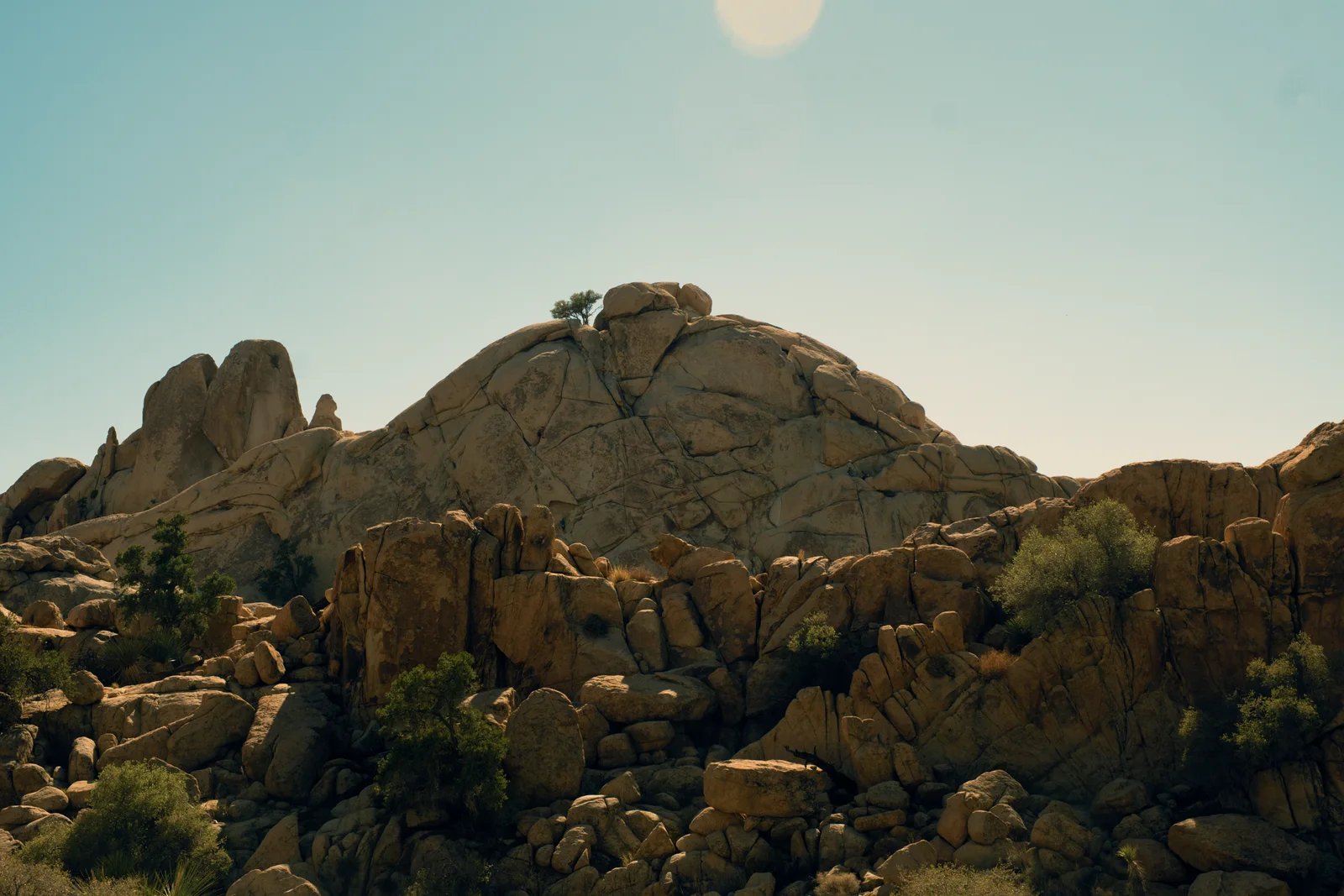
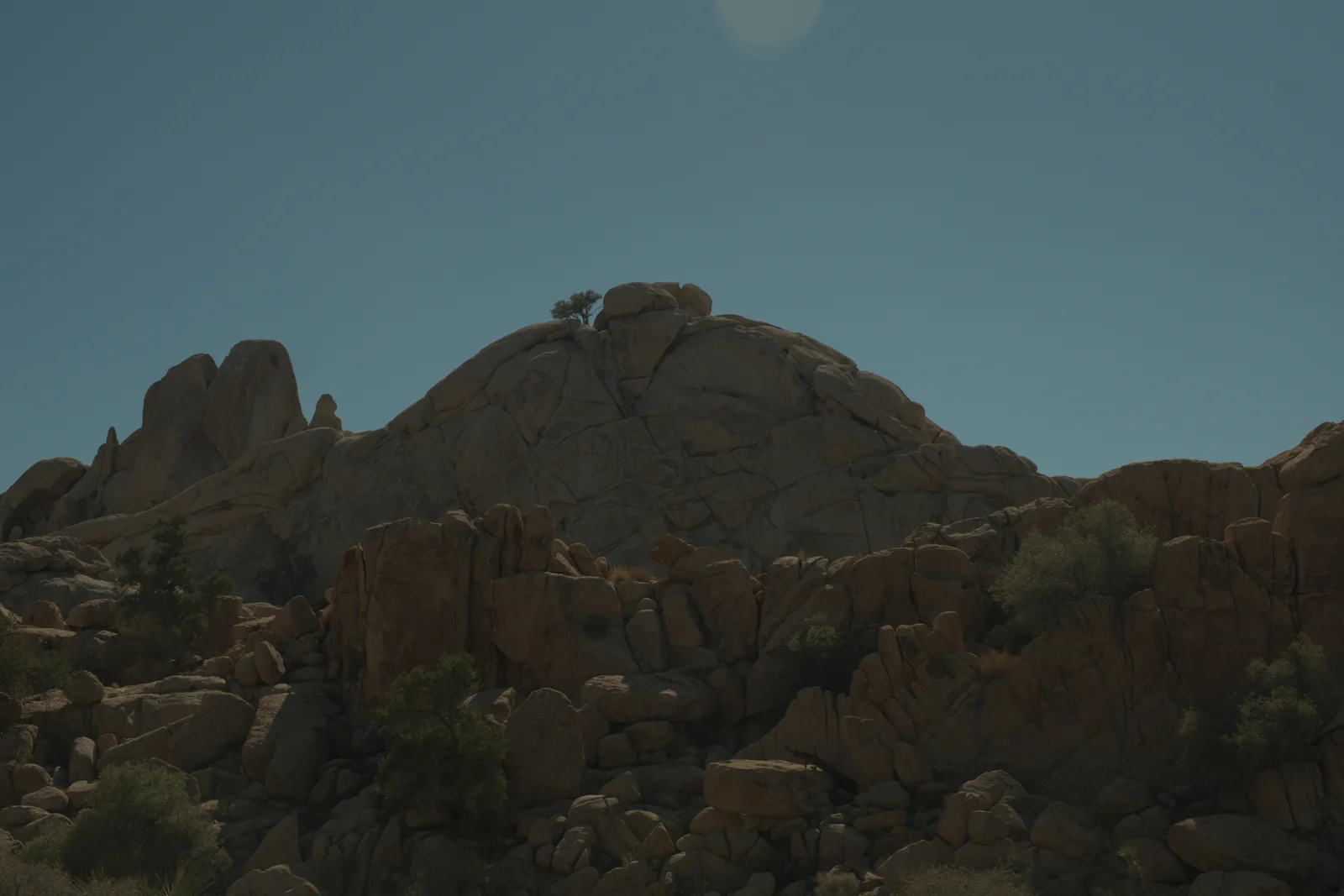
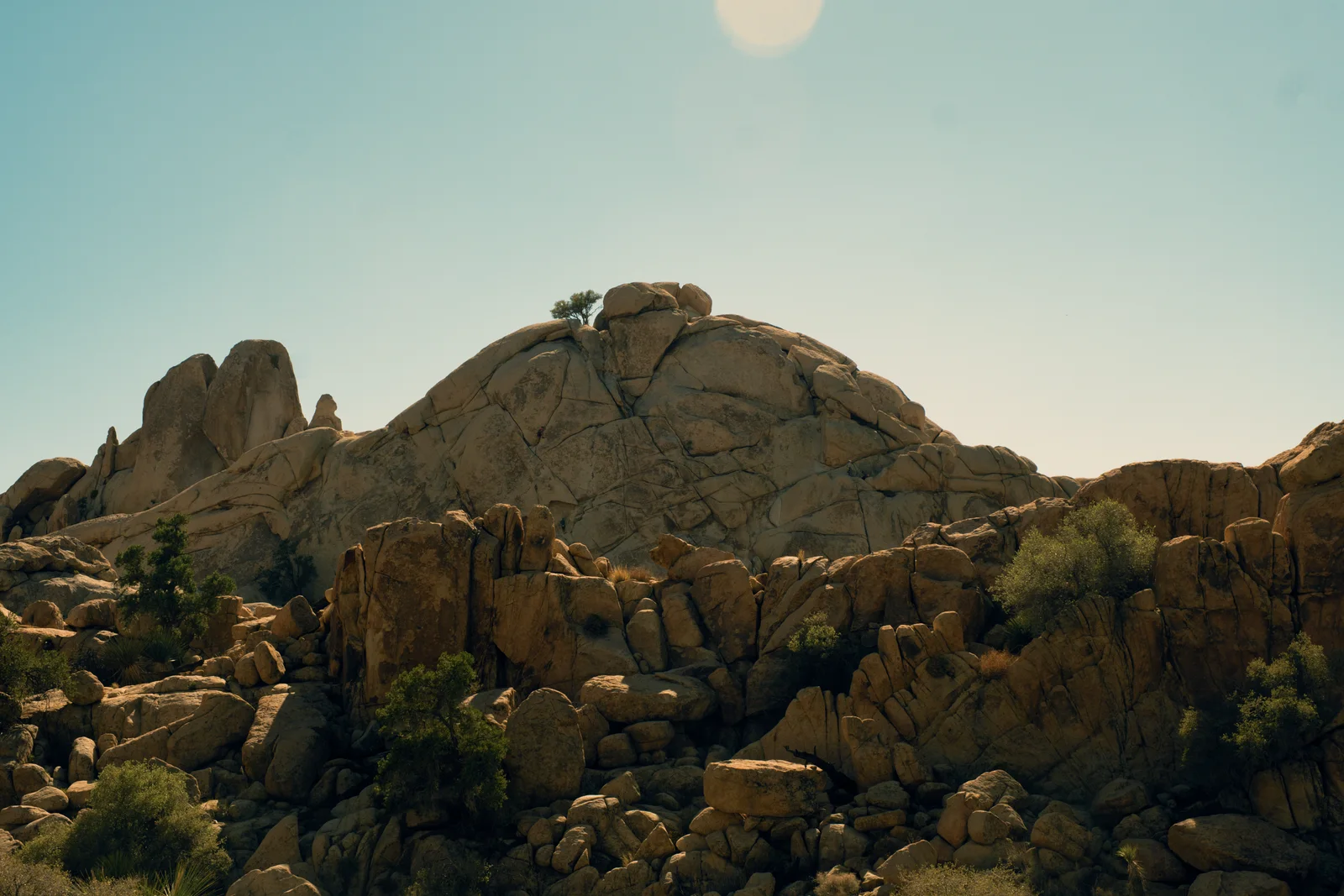
Before and after
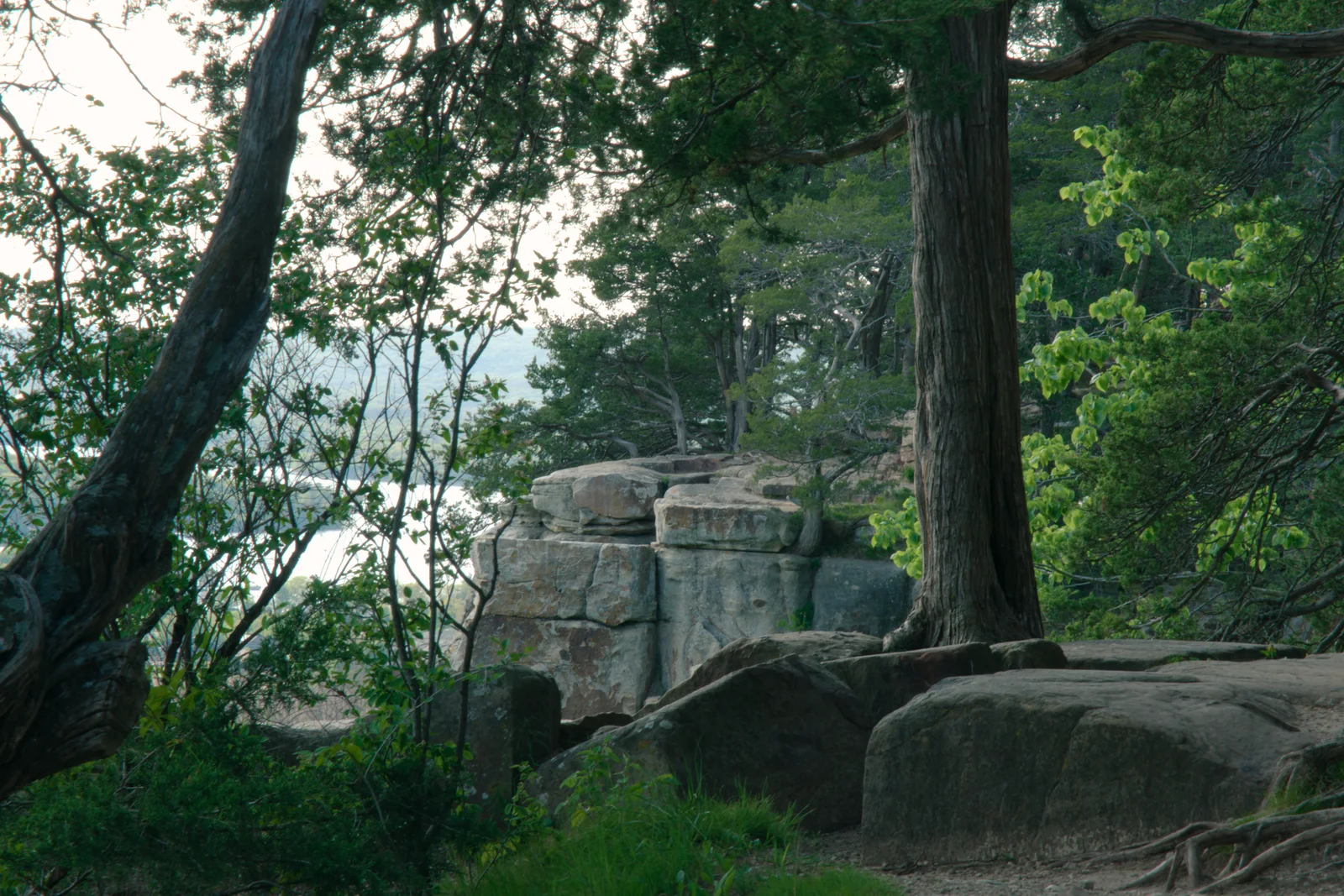
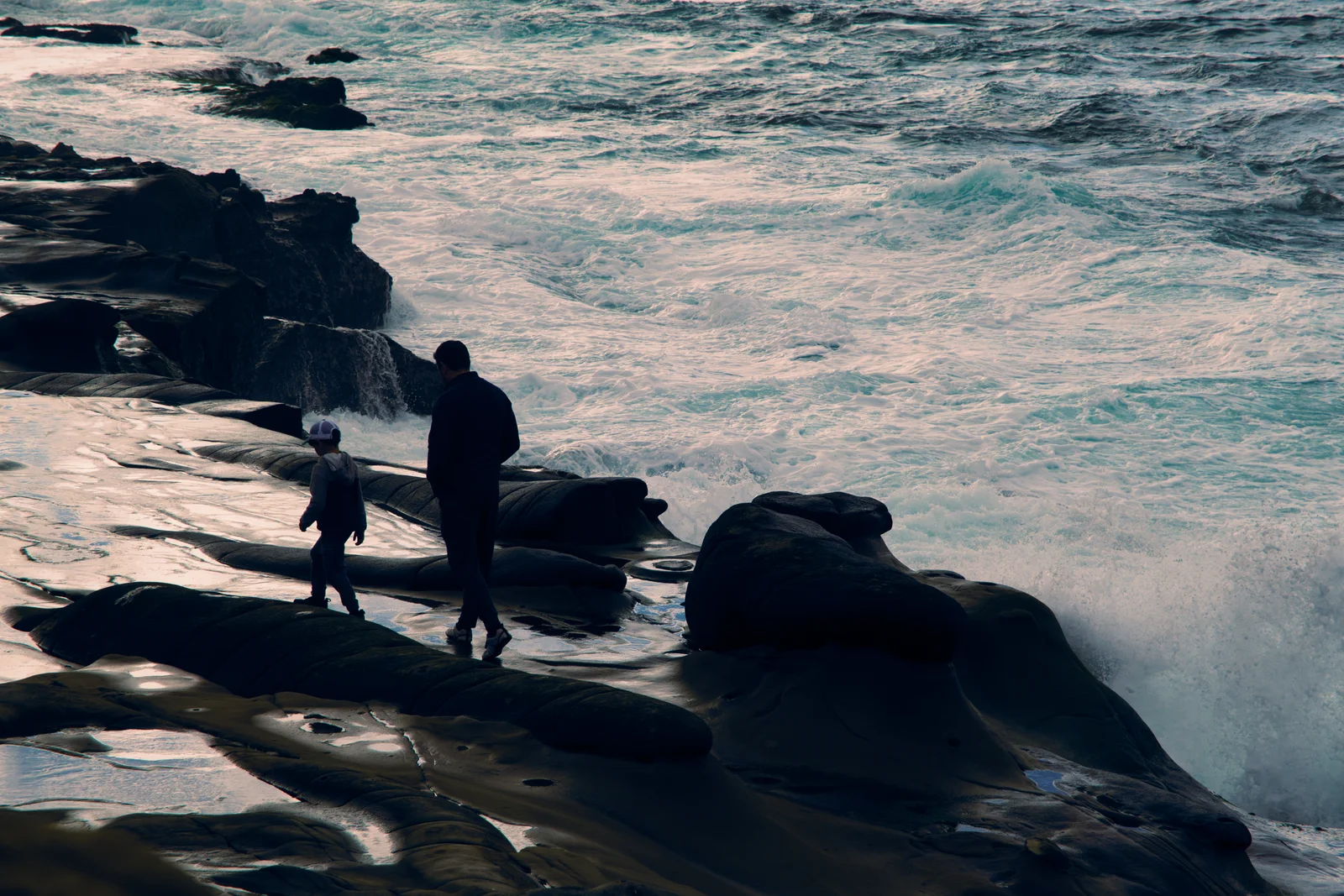
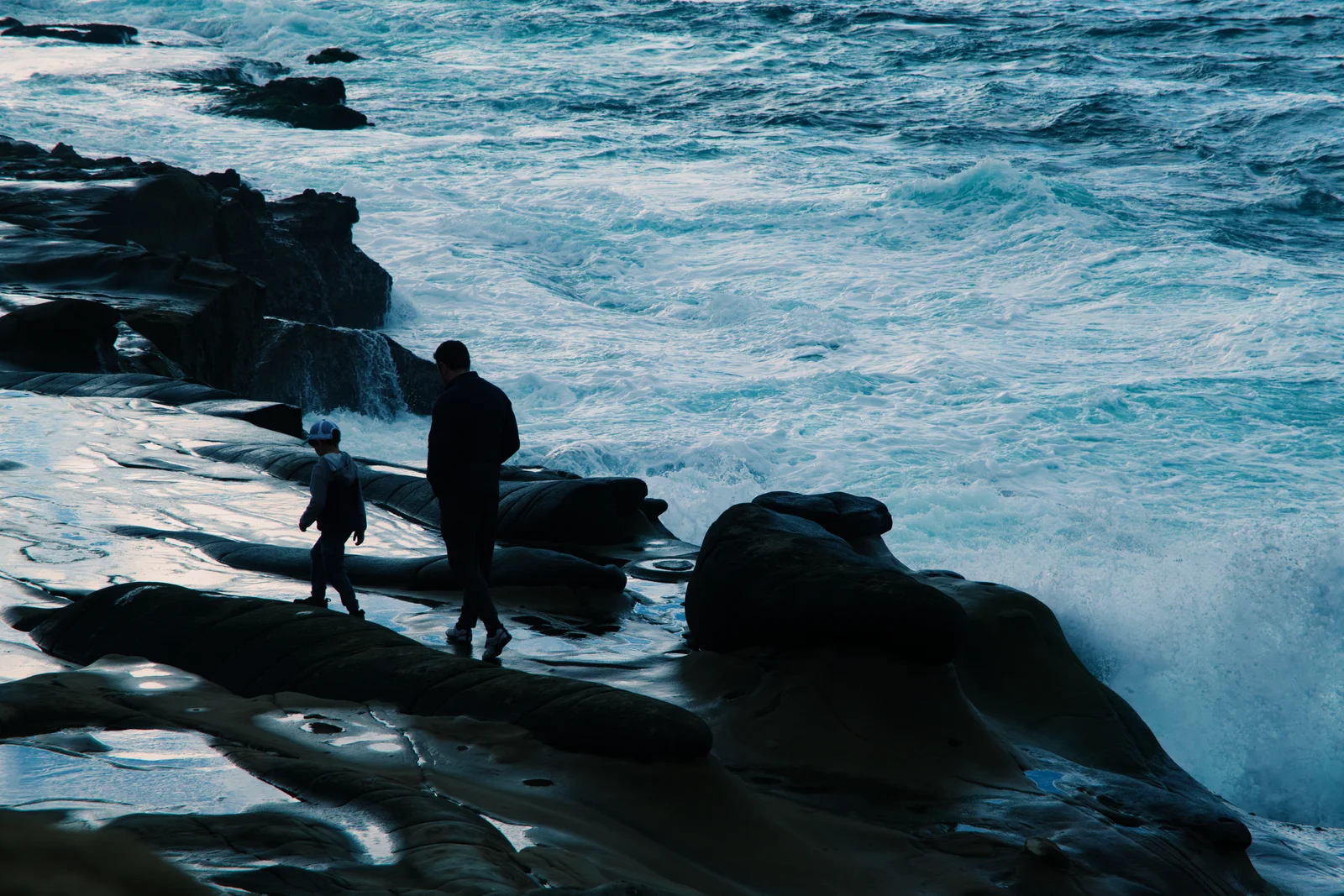
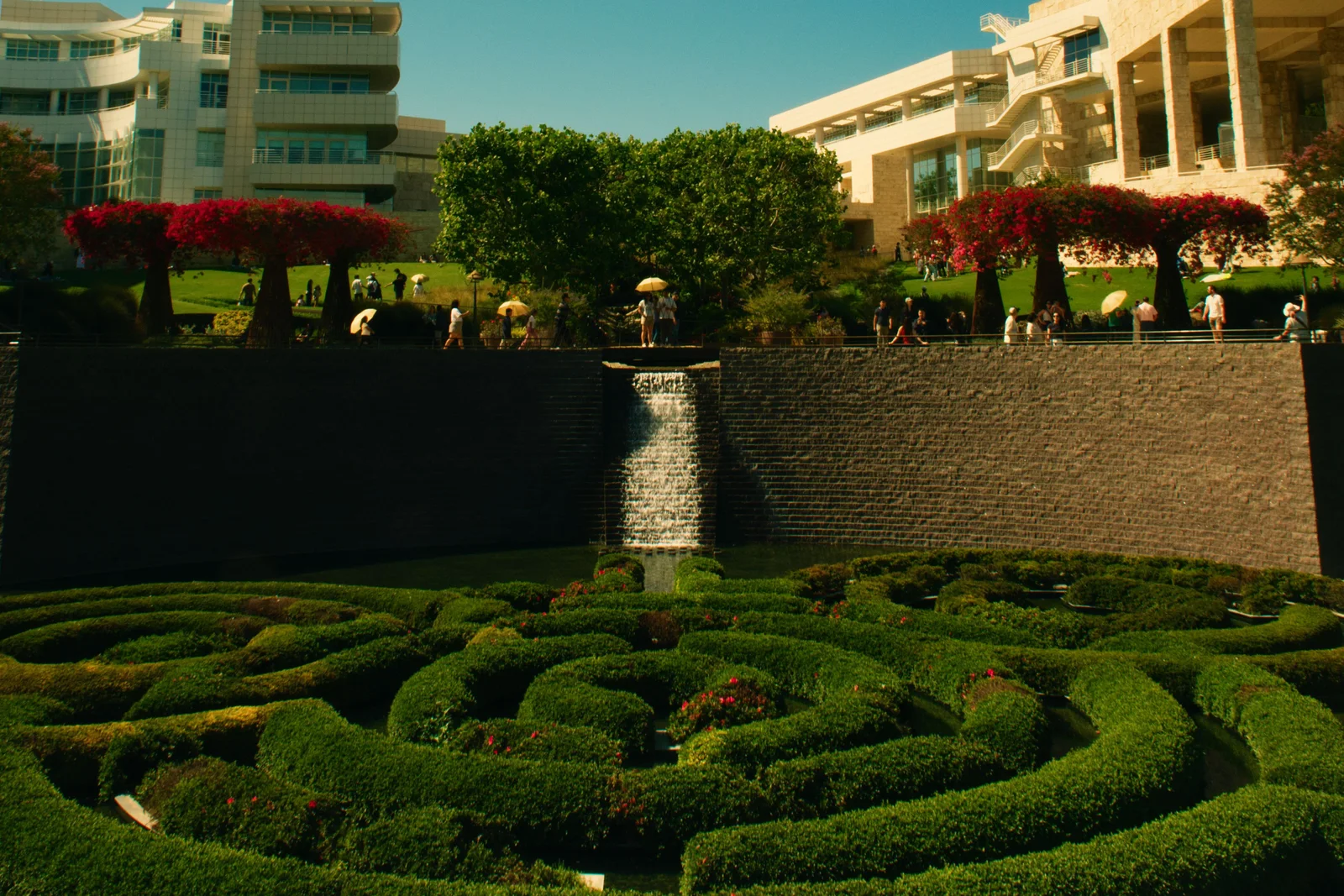
Features
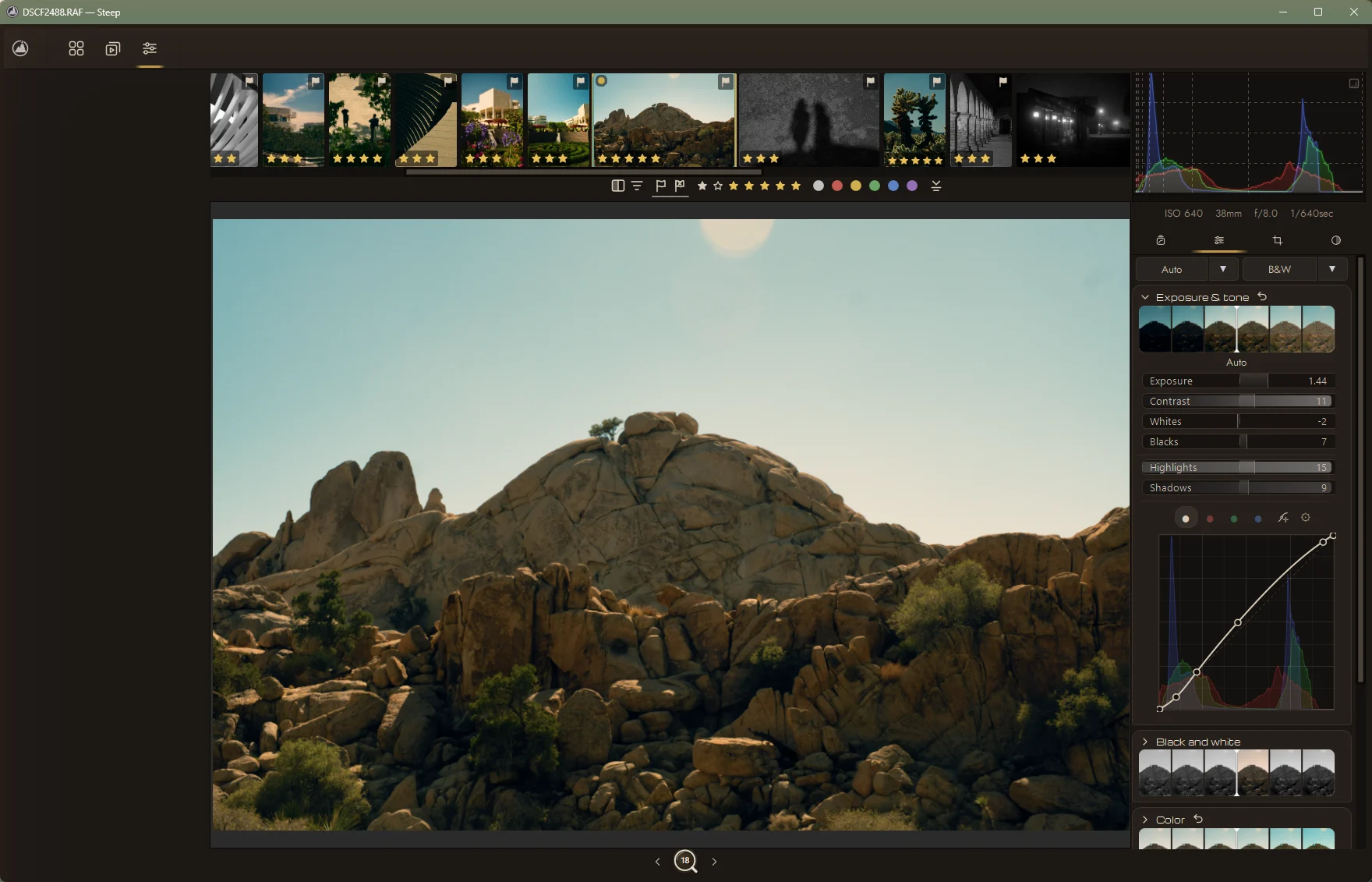
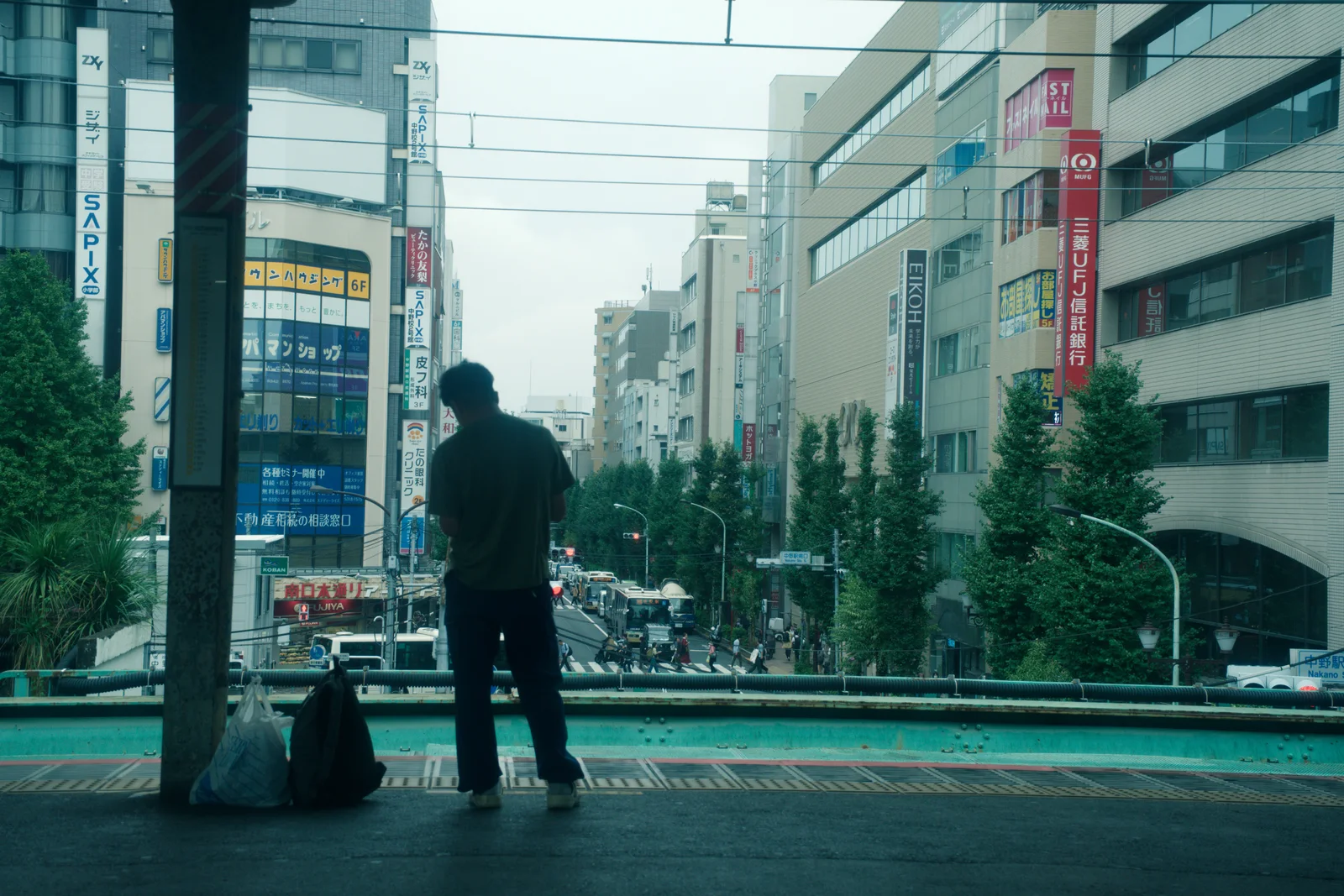
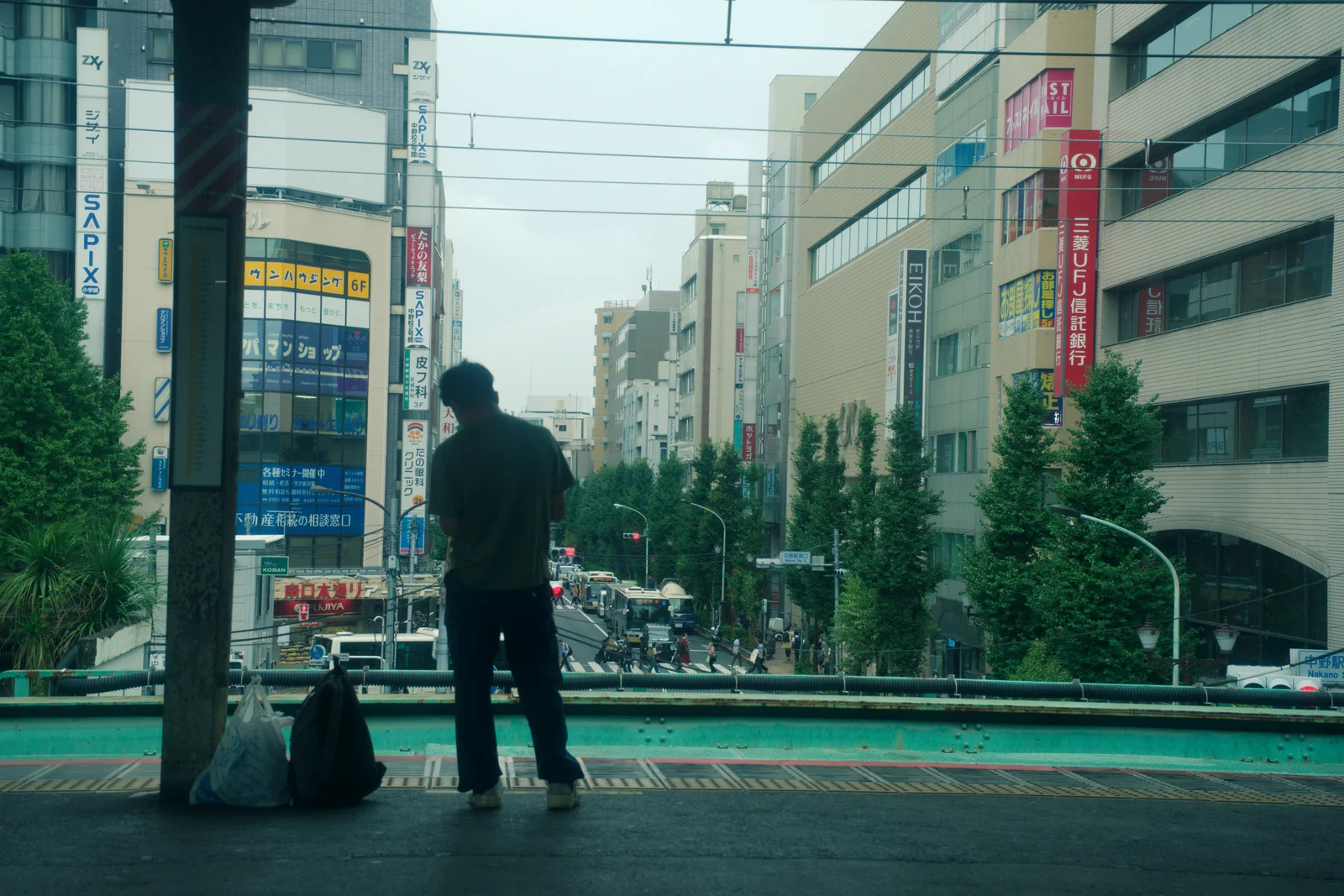
- Edit: Exposure, contrast, highlights and shadows sliders move and the raw photo becomes the finished edit. Then the Auto menu steps through Steep's four automatic versions: Auto edit, Neutral Auto edit, Auto grade, and Auto grade with Film Lab.
- Film Lab: A pointer goes down a list of film stocks and the photo takes on each one: Desert chrome, Vivid chrome, Golden hour, Cinematic 500T, Silver gelatin.
- Colour: Three colour wheels for shadows, mids and highs are pulled off centre and the photo turns teal and orange. Then it flashes back to before, and to after again.
- Masks: A pointer picks Sky from a list. A line scans the photo, the sky is marked out, and an exposure slider darkens only the sky.
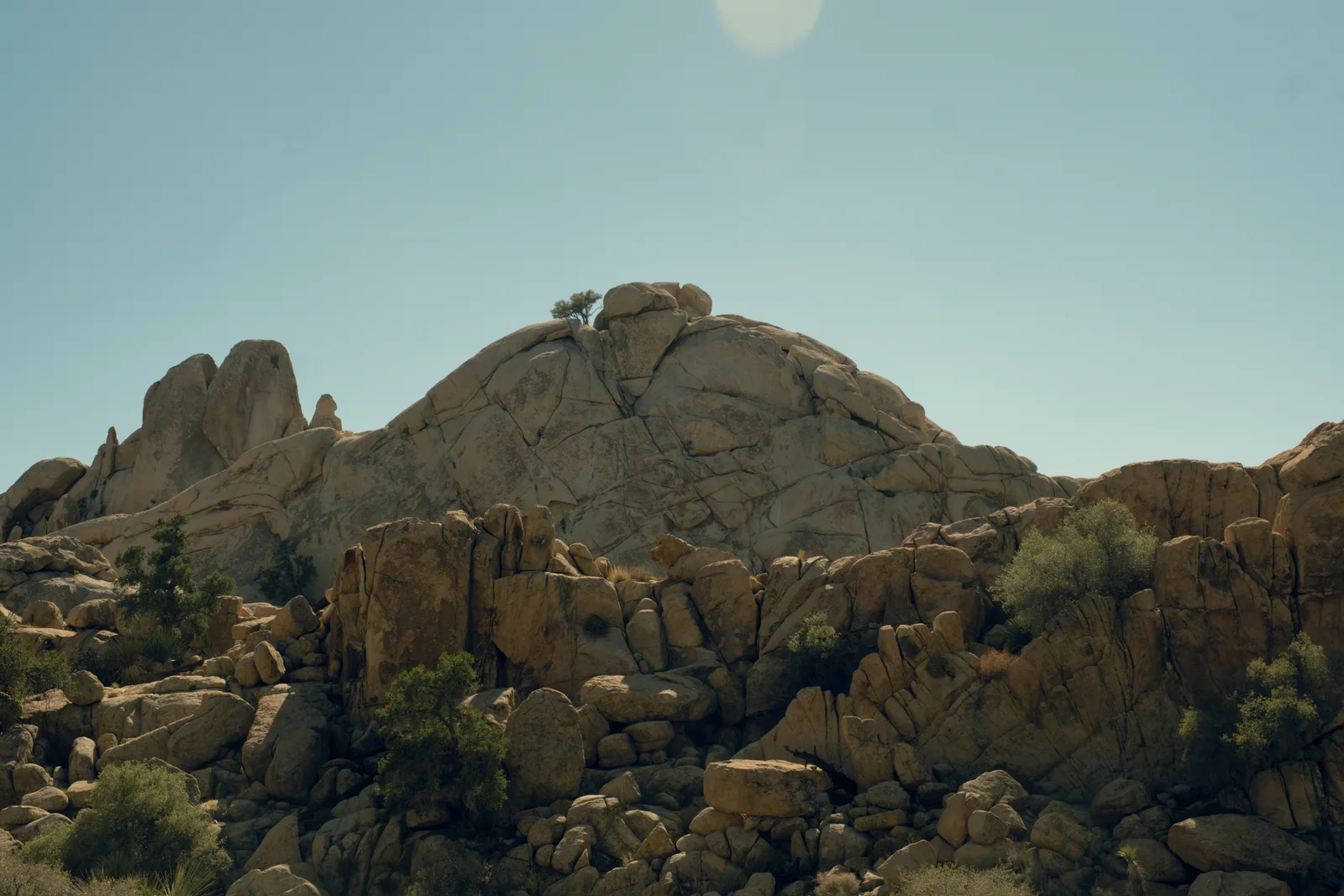
- Double exposure: In the double exposure window a black and white photo of storm clouds is picked from a grid and screened into a slot canyon, confined to its own sky, so the clouds drift between the canyon walls. The view then switches between the base photo, a split of the two, and the result.
- Denoise: AI denoise is switched on for a night photo seen at full size. As the blend slider rises the grain clears. Then it flashes back to before, and to after again.
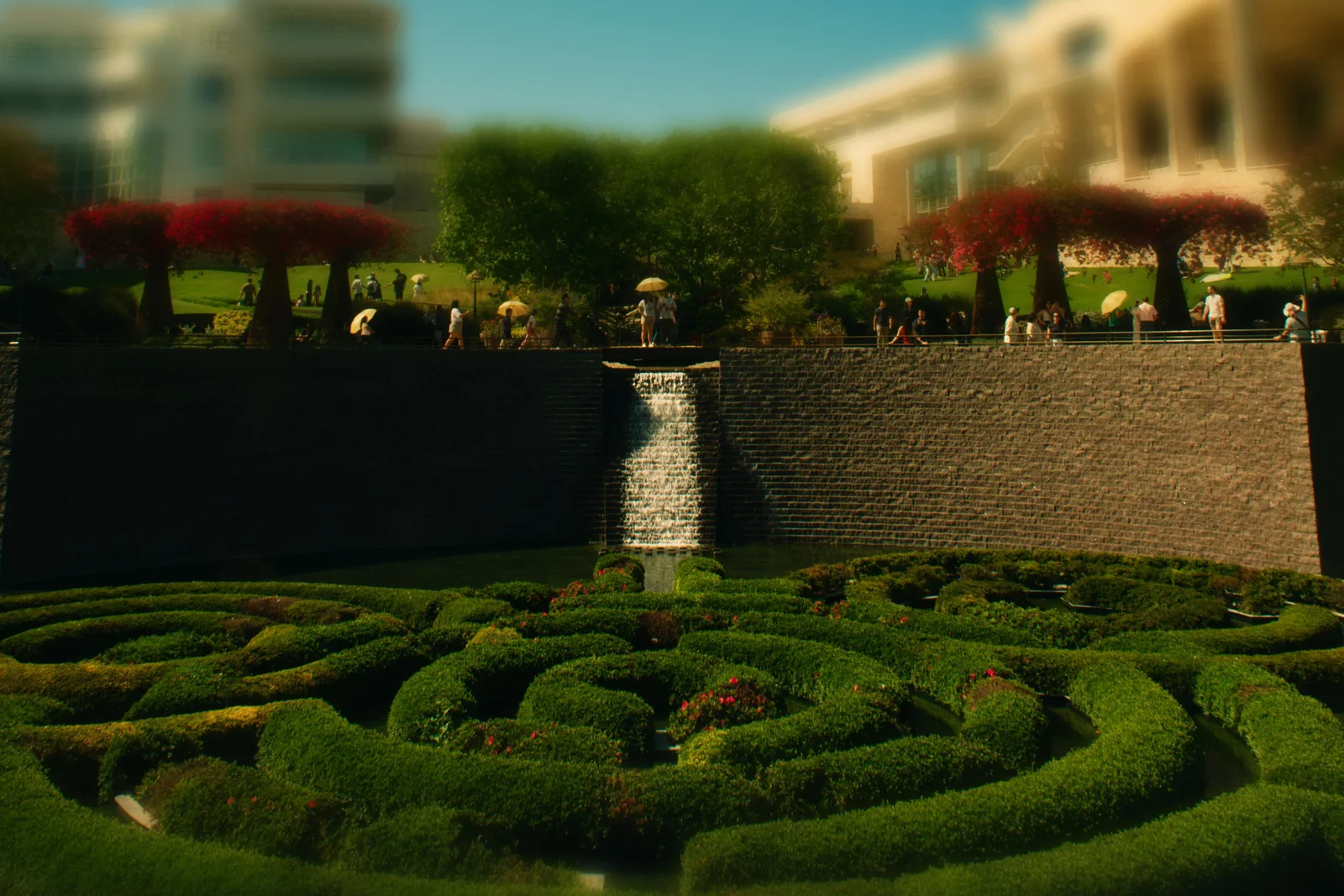
- Tilt-shift: A focus band is dragged down onto a garden wall, then the amount slider rises and everything outside the band blurs.
- Library: Stars appear on a grid of photos, a filter for four stars and up leaves only the best four, and album previews are switched on so each album shows a few of its photos.
- Your UI: The whole interface changes theme through all seven: Walnut, Linen, Darkroom, Graphite, Ocean, Rem, Daylight. The text and slider size grows, the filmstrip thumbnails grow, the filmstrip moves from the top of the photo to the bottom, and History and Navigator lift out into their own floating windows.
- Agents: An AI agent calls Steep's tools one after another, get_image_info, adjust_exposure, load_profile, save_profile, and the photo is edited with nobody at the mouse.
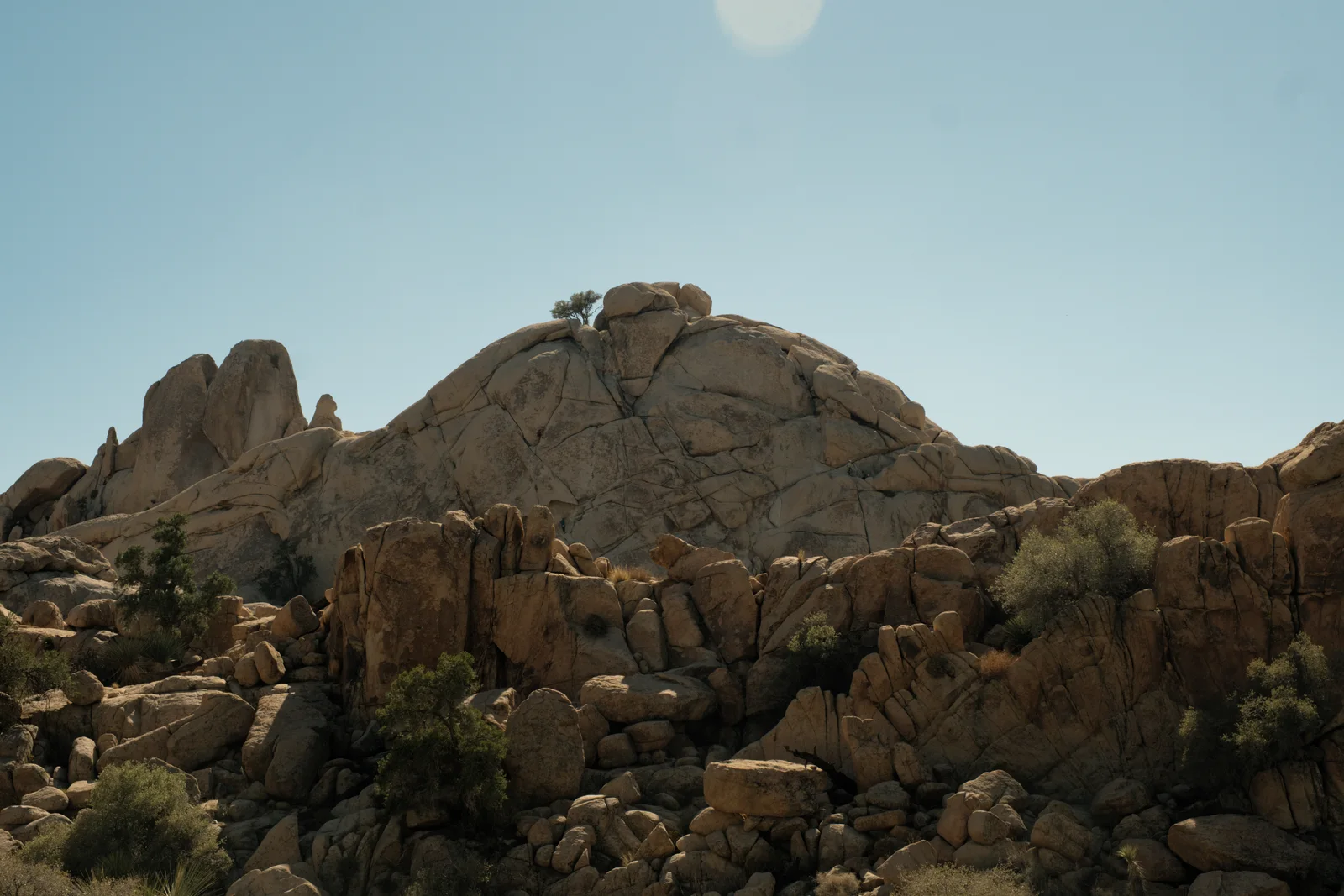
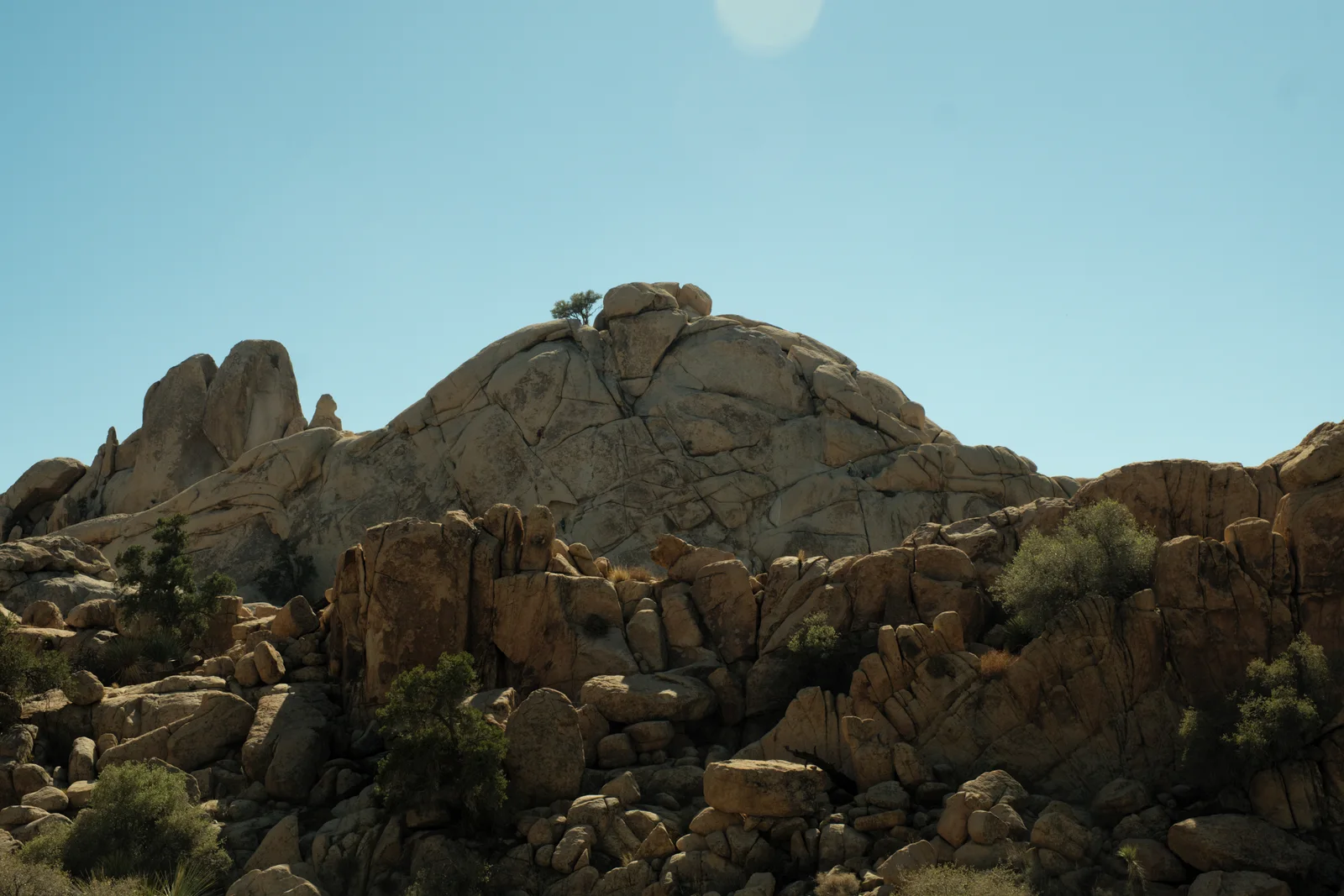
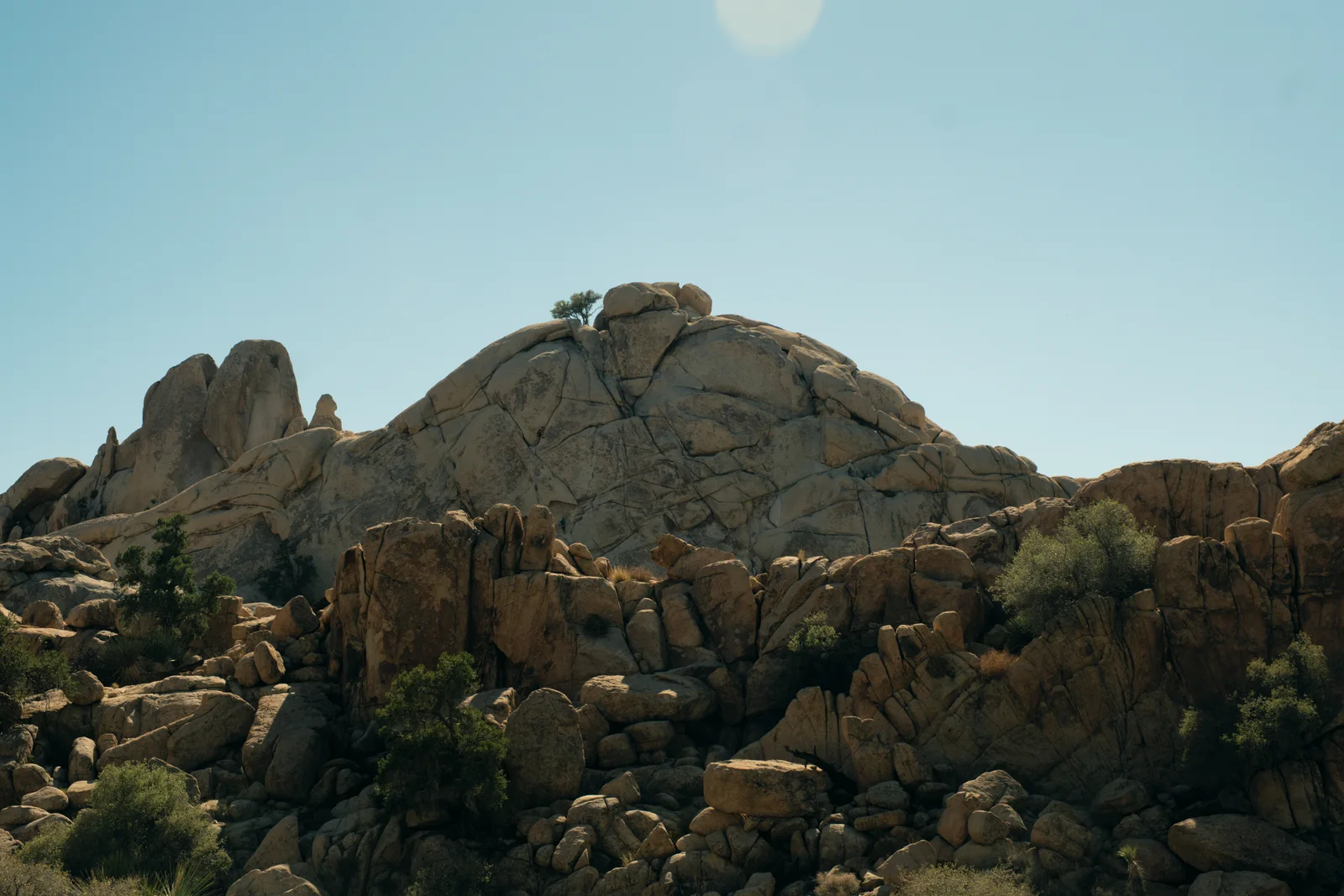
Also
- Point colour
- Glow and halation
- Lens corrections
- Watermarks
- Export queue
- Filename templates
For AI agents
Steep has an MCP server built in. Claude, or any agent that speaks MCP, can open a photo, read its settings and change them.
Open MCP Server in the app to see the address.
{
  "mcpServers": {
    "steep": { "type": "http", "url": "http://localhost:PORT/mcp" }
  }
}get_image_infoImage metadata and EXIFget_params / set_paramsRead and write the edit settingsset_tool_enabledTurn one tool on or offlist_toolsEvery tool and its stateadjust_exposureQuick exposure changeadjust_white_balanceQuick white balance changeload_profile / save_profileRead and write PP3 profileslist_volumesConnected drivesget_mount_eventsWhen drives come and goscan_photosRead EXIF across a folderimport_photosImport and file photos by date
Get it
Steep changes most days. For now the best way to get it is to build it from source.
The steps for Windows, macOS and Linux are in the README on GitHub.
Build it from GitHubNightly builds
Ready-made builds, if you'd rather not build it. They can be behind the source.
| Windows | x86_64 | InstallerZIP |
|---|---|---|
| Windows | ARM64 | InstallerZIP |
| macOS | Apple Silicon | DMG |
| macOS | Intel | DMG |
| Linux | x86_64 | AppImage |
| Linux | ARM64 | AppImage |
Free and open source under the GPL v3. Built on RawTherapee.
Questions
- Is Steep free?
- Yes. Steep is free and open source under the GNU General Public License v3, the same licence as RawTherapee.
- How do I get Steep?
- For now the best way is to build it from source; the steps for Windows, macOS and Linux are in the README on GitHub. Nightly builds are on the GitHub releases page too, but they can be behind the source.
- What does Steep run on?
- Windows (x86_64 and ARM64), macOS (Apple Silicon and Intel) and Linux (x86_64 and ARM64, as an AppImage).
- How is Steep different from RawTherapee?
- Steep keeps RawTherapee's processing engine and changes the editor around it: four modes (Presets, Edit, Crop, Mask), film looks, colour wheels, AI masks, object removal, albums, and a built-in MCP server. Nothing from RawTherapee was removed.
- Which cameras does Steep support?
- The same raw formats as RawTherapee. JPEG and TIFF files open too.
- Do the AI tools send my photos anywhere?
- No. The models run inside the app, on your own computer, through ONNX Runtime. On Windows they use the graphics card through DirectML when it is there.
- Which AI models does Steep use?
- Six, each open source under a licence that can ship inside a GPL program.
- Masks by kind: sky, person, building, plantsA segmentation network trained on ADE20K's 150 classes, from MIT CSAIL (BSD-3-Clause). The 8 MB MobileNetV2 version ships with Steep. A 254 MB HRNetV2-W48 version is more accurate and makes finer masks.
- Subject masksBiRefNet (MIT), with a Swin-L backbone, working at 1024 by 1024. It replaced U²-Net, which worked at 320 by 320 and lost hair, fur and thin edges. It is about 900 MB and wants a graphics card.
- Click to selectSAM 2, Meta's Segment Anything Model 2 (Apache 2.0). Click a thing and it finds its outline.
- Masks by distanceDepth Anything V2 Small (Apache 2.0) estimates how far away each part of the photo is, for the Near and Far masks and for lens blur.
- Remove objectLaMa (Apache 2.0), the big-lama inpainting model from Suvorov and others, 2022. About 200 MB, so the app downloads it the first time you ask for it.
- AI denoiseThe ShadowWeightedL1 model from RawRefinery by Ryan Mueller (MIT), 19 MB, bundled. If RawRefinery is already installed, Steep uses its copy.
- Can an AI agent use Steep?
- Yes. Steep has a built-in MCP (Model Context Protocol) server over HTTP. An agent such as Claude can read a photo's metadata, read and write its edit settings, turn tools on and off, and import photos.